





































Your music,
your pages.
Beat plays the music you already have on your Mac, iPhone and iPad, sorted into pages you build from smart filters. It never changes your library.
Or try it live, right hereFree and open source · macOS 15 or later · iOS 26
Live
This isn’t a screenshot. Click around.
Start with one of these, or explore on your own.
Click an album to open it and a song to play it; the bar opens Now Playing. Edit Page and + change a page’s elements; New adds pages and folders.
Pages and smart filters
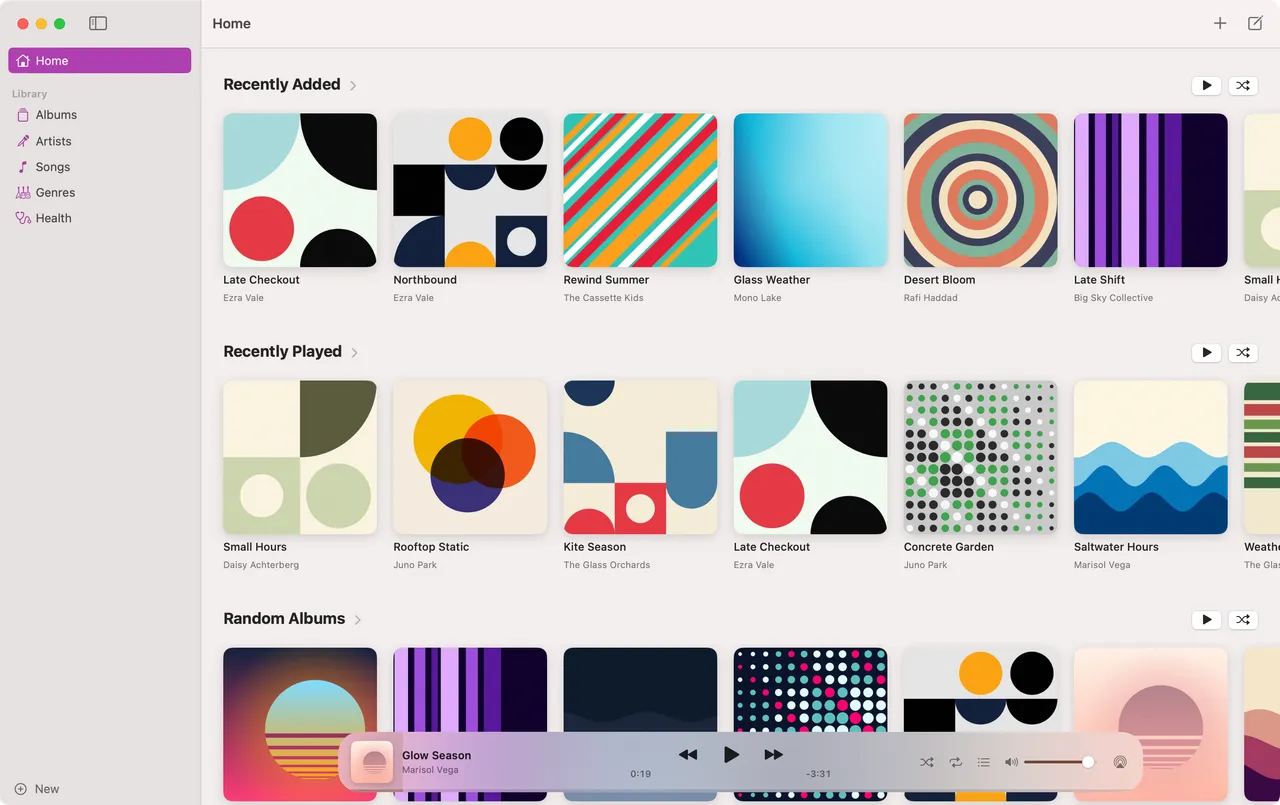
Build the library you want to browse.
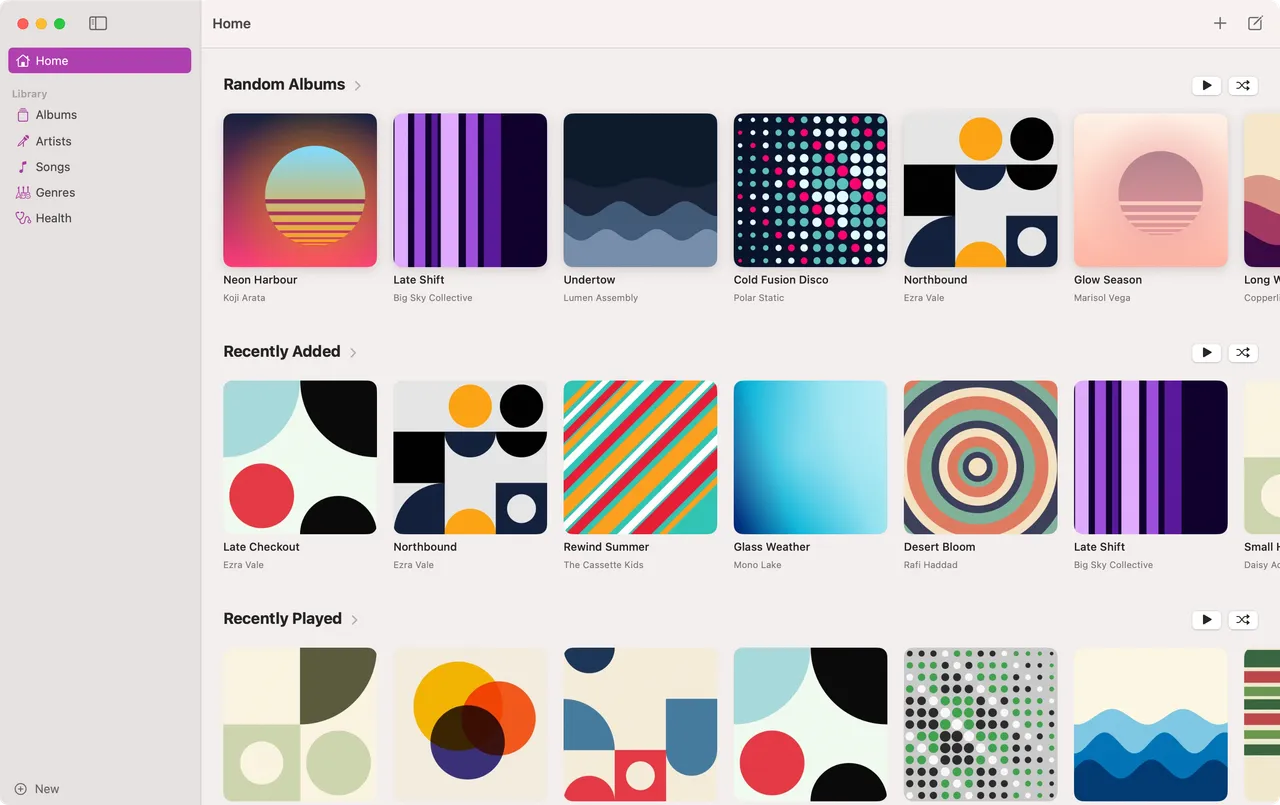
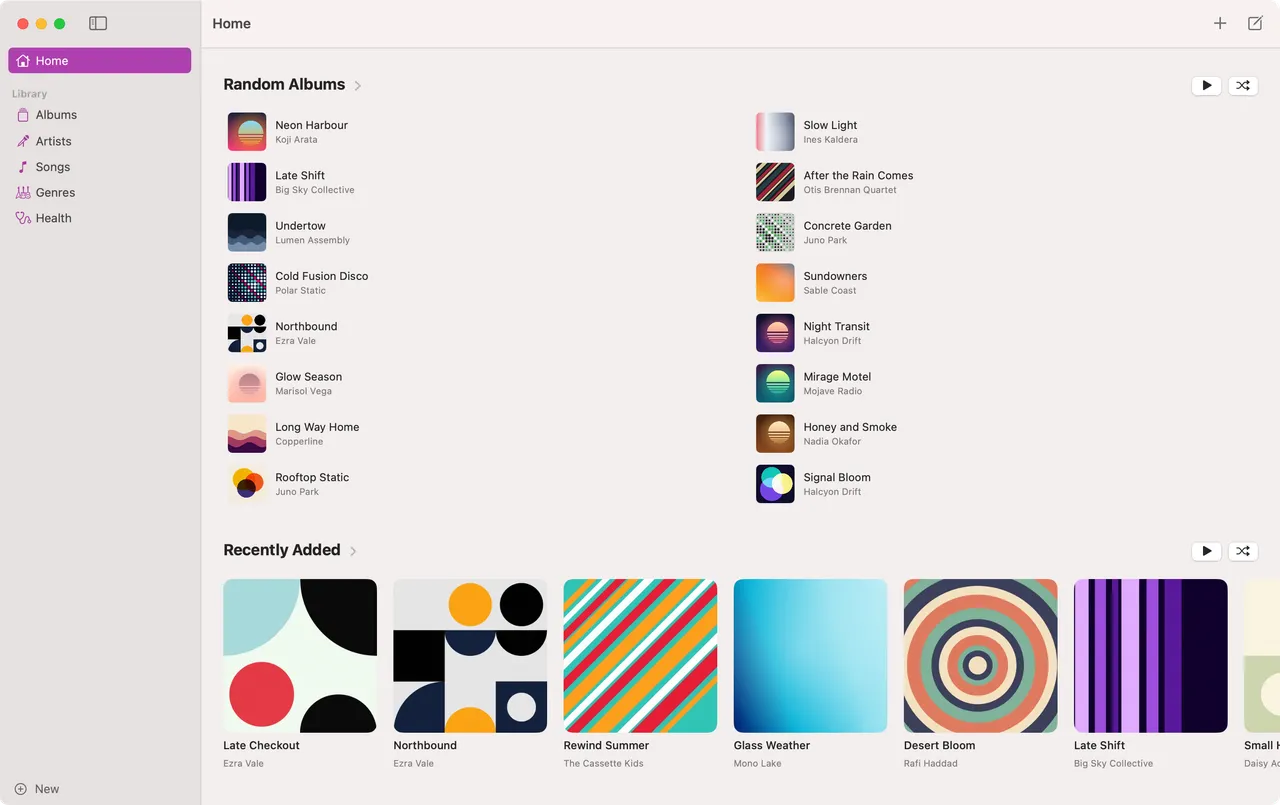
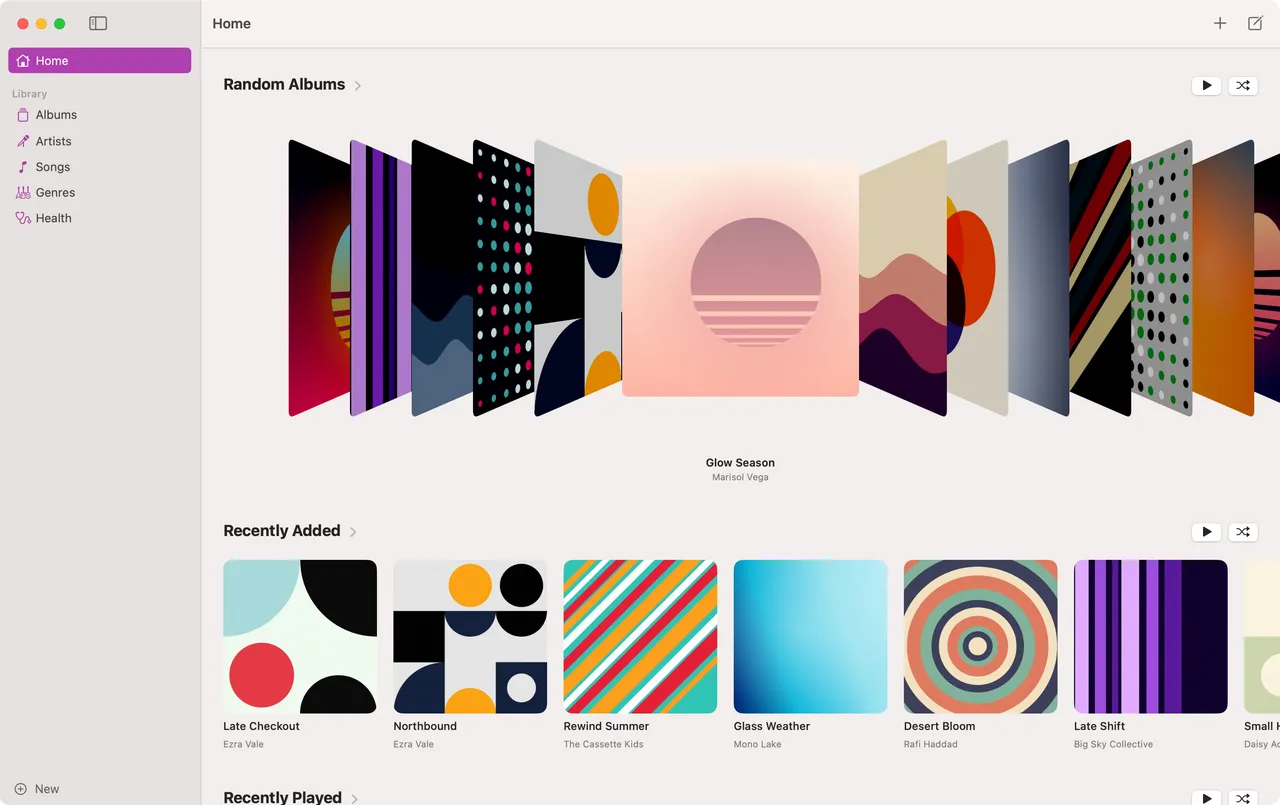
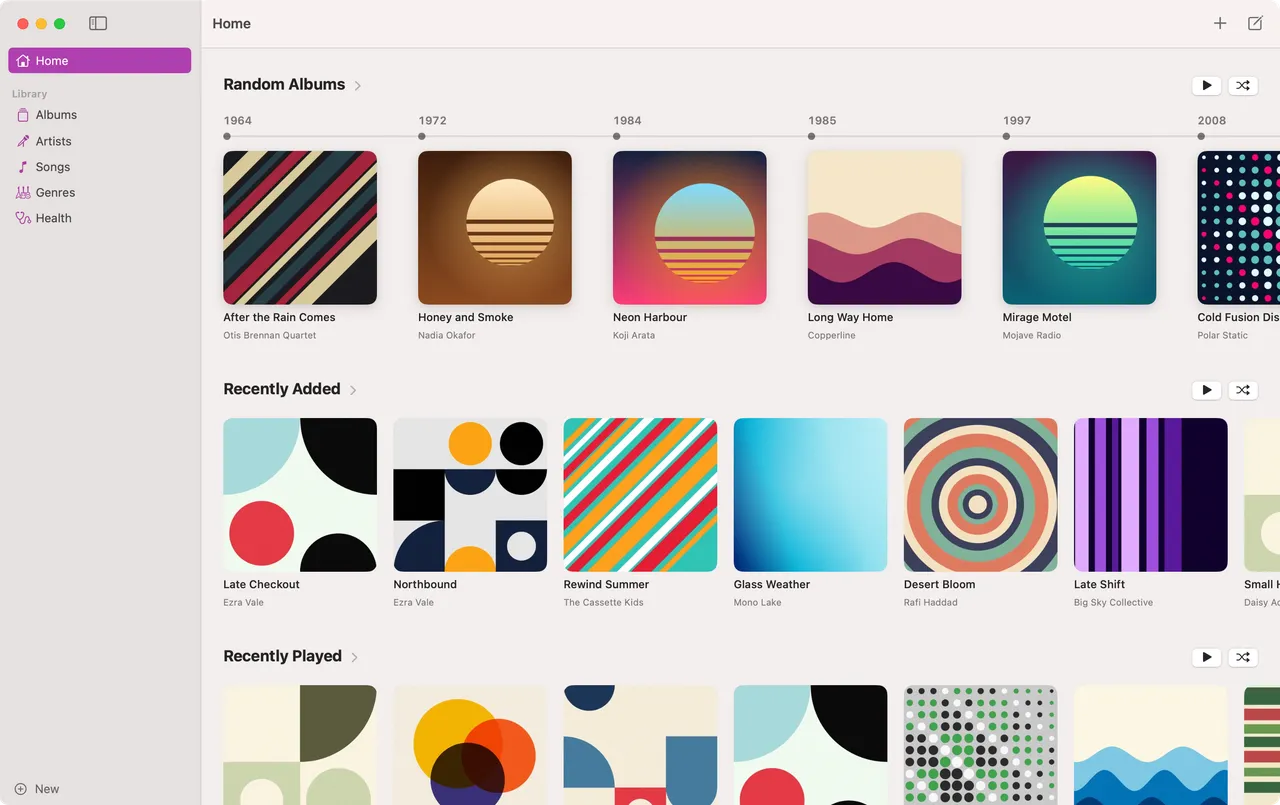
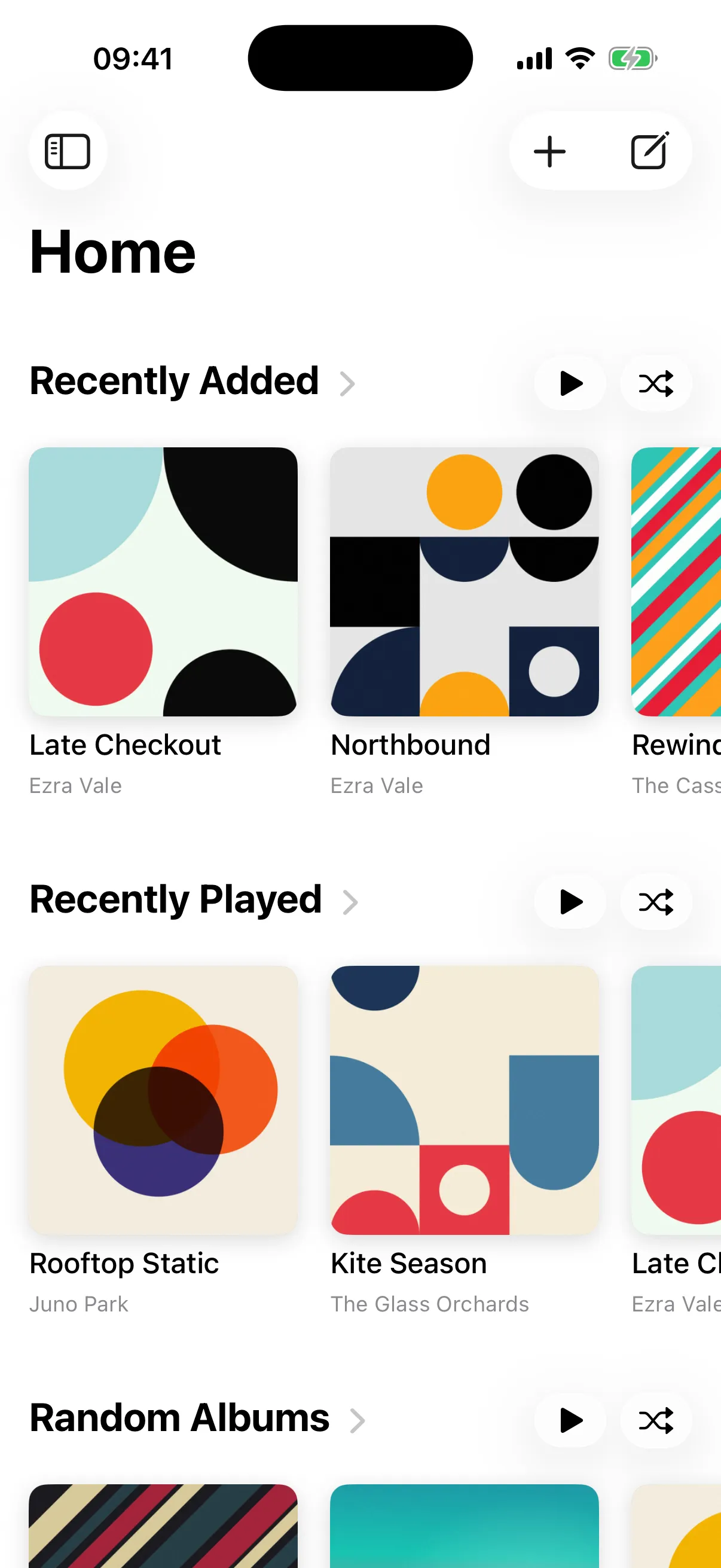
The sidebar is yours: folders and pages, in any order. A page holds elements, and each element is a smart filter. Find albums, songs or artists, keep the ones that match your rules, sort them and set a limit. Home is just a page too, so change it however you like.
Each element picks its own look, and rules can use any song field, including Beat's own play and skip counts.
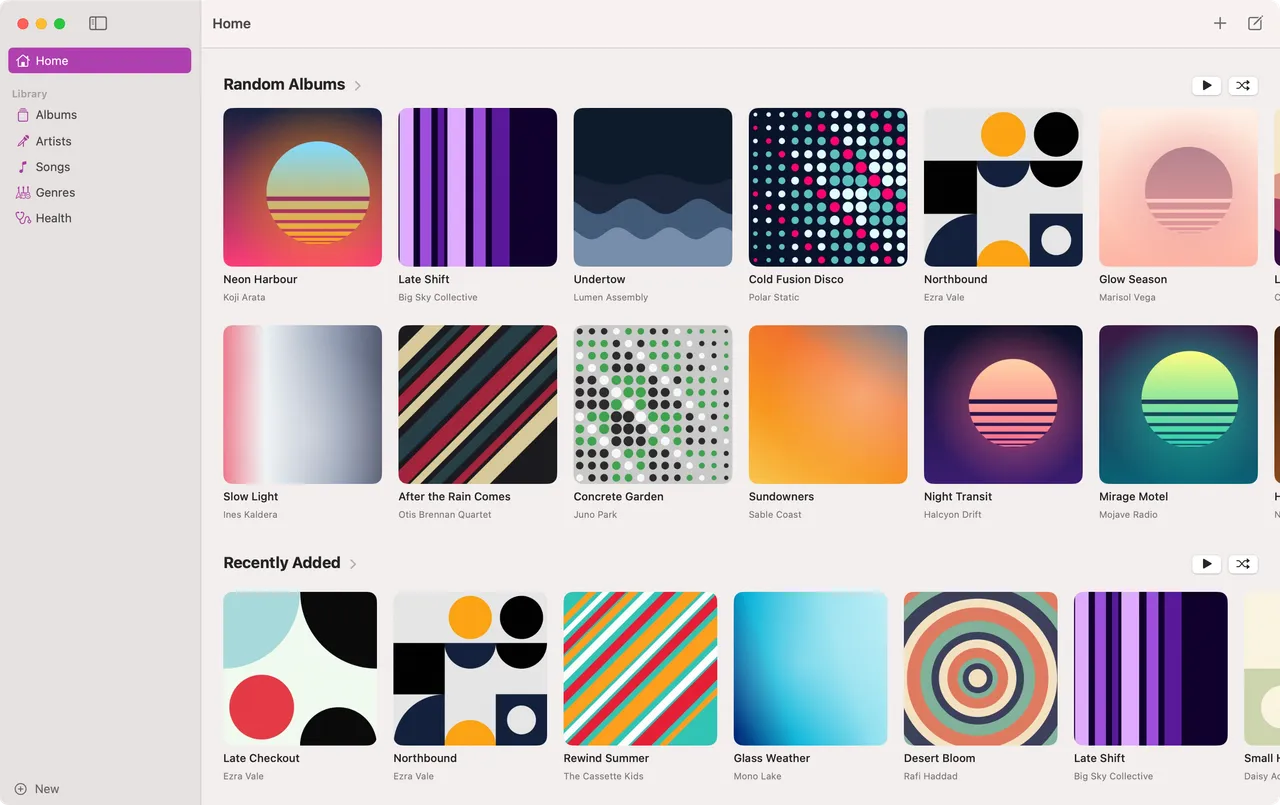
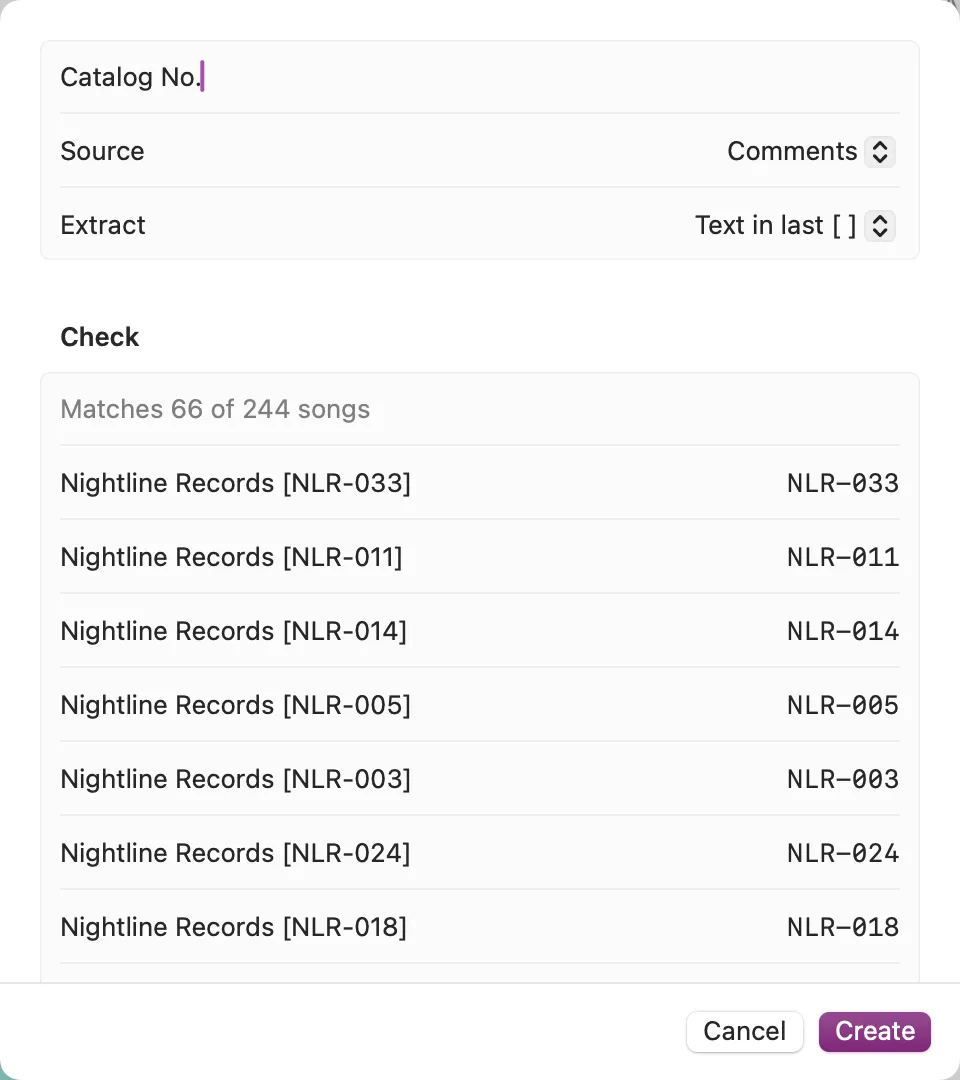
Sort by what's in your tags.
A custom field pulls a value out of a text tag: the album, title, artist, comments and more. Take the text in the last brackets, or whatever a pattern matches. Keep a label's catalog number in the comments, and its releases sort in catalog order, reissues and all.
Now Playing
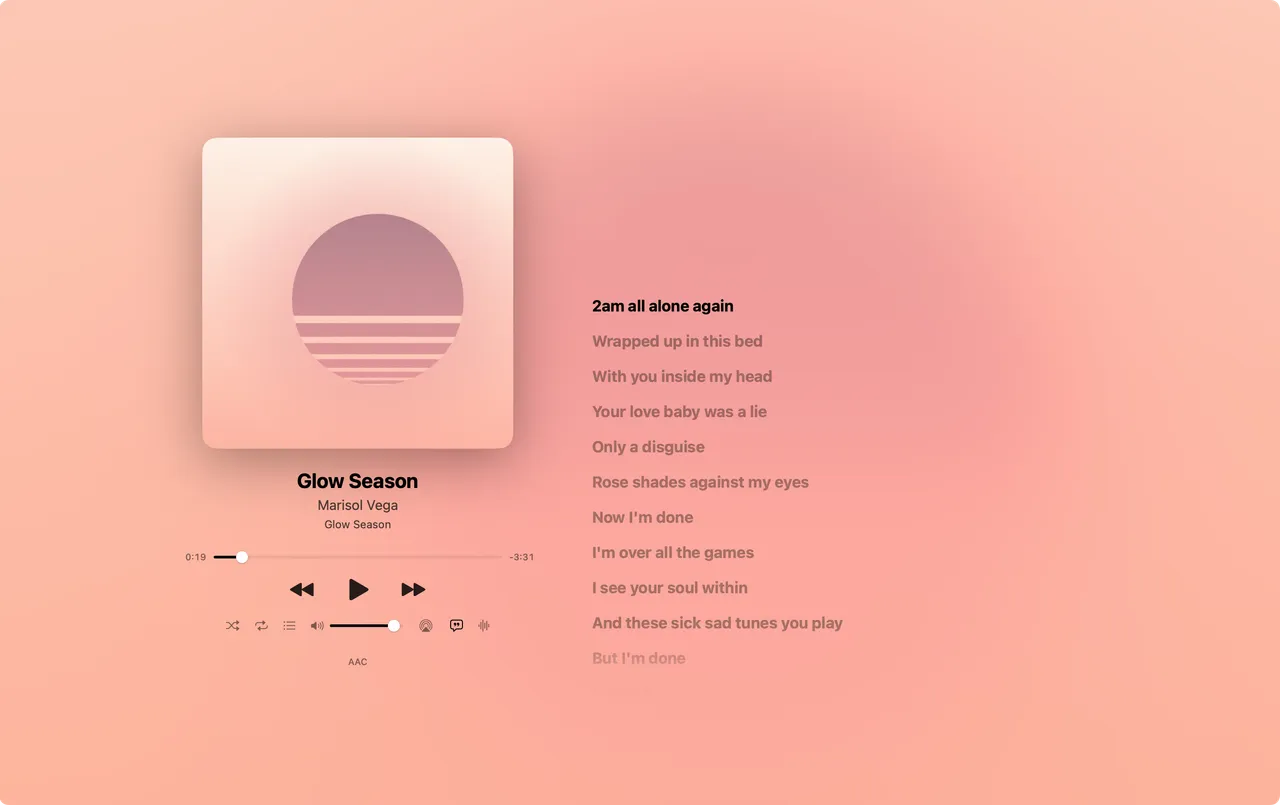
Every album gets its own colours.
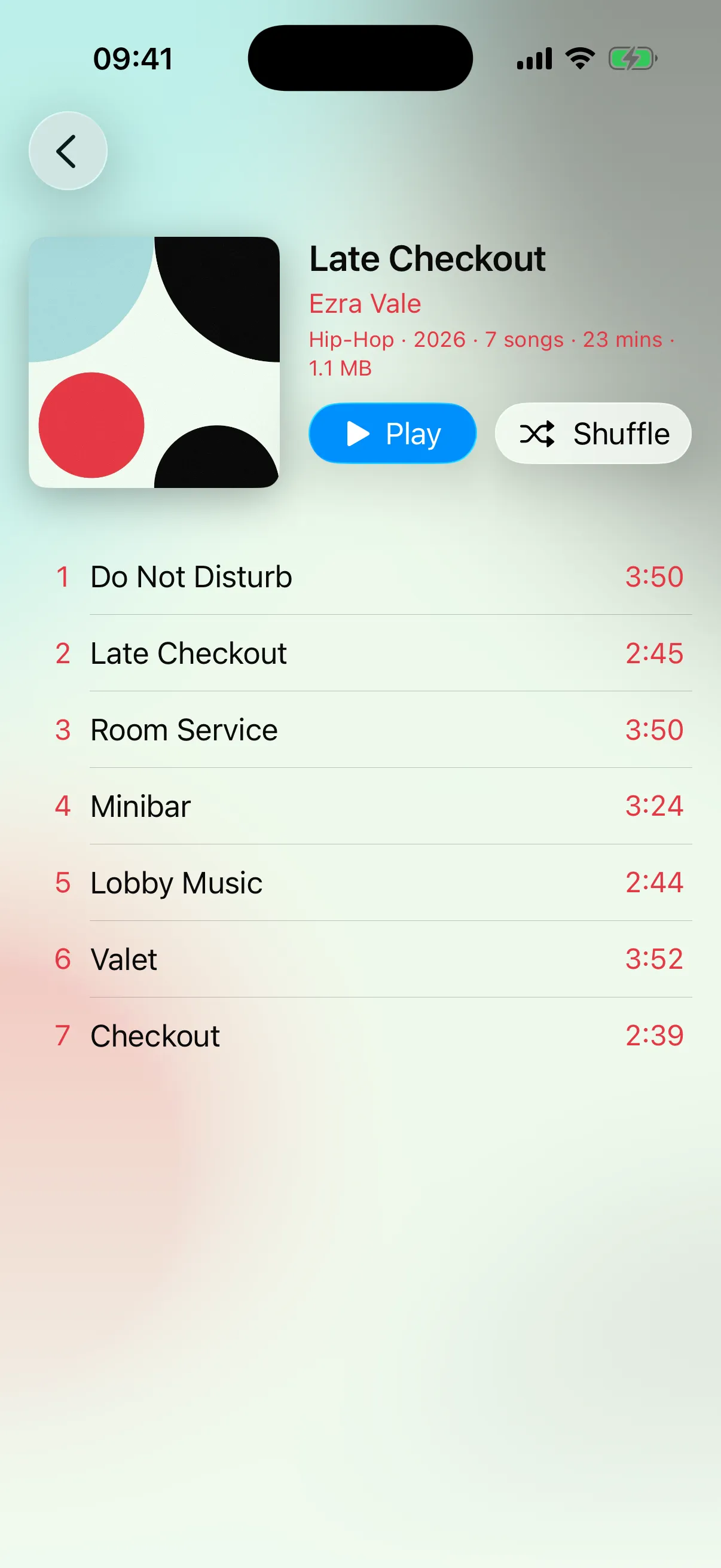
Now Playing takes its colours from the cover, and so do the album's page and the bar along the bottom of the window, so everything you see belongs to the record that's on.
Visualizers
Remember leaving the visualizer on?
Winamp had MilkDrop, and iTunes filled the screen with light. Beat brings it back: eight styles, from a skyline under a setting sun to a starfield and a wall of hi-fi LEDs, drawn live from the music and coloured by the album playing. ← and → switch between them.

Lyrics
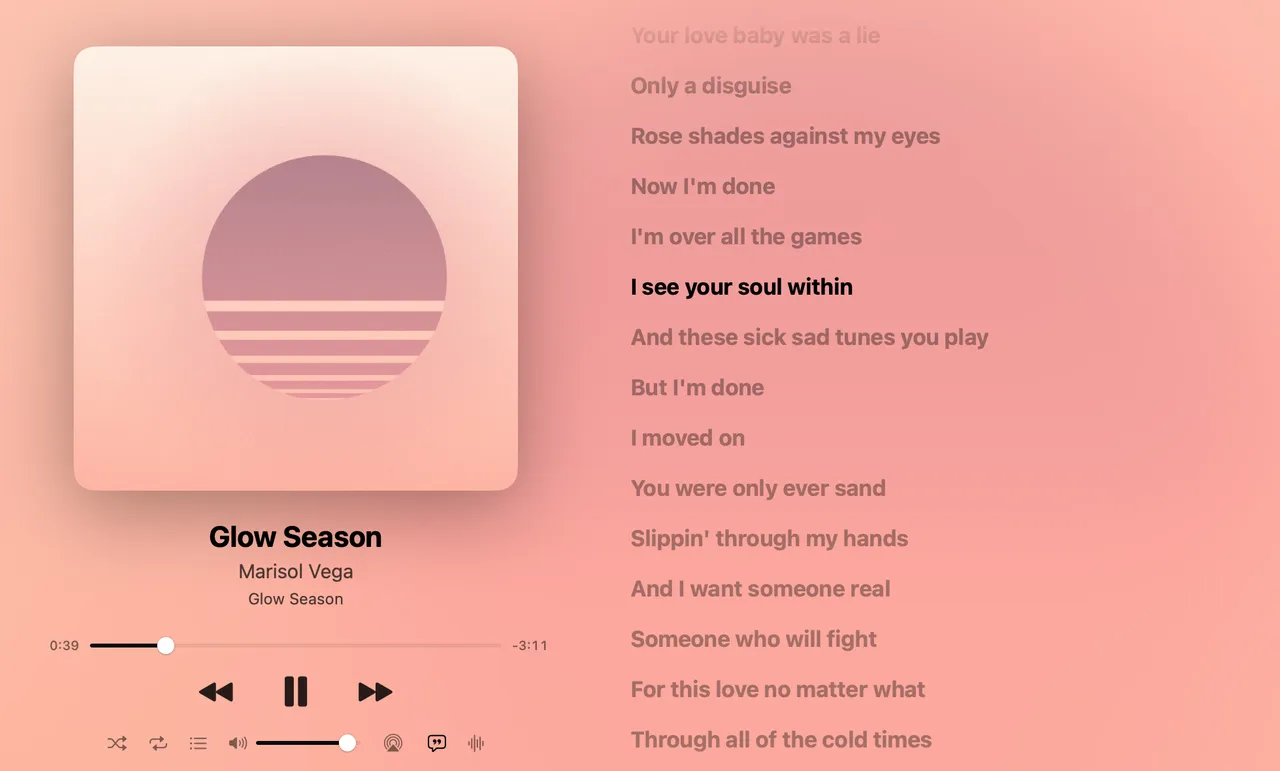
Lyrics that keep time.
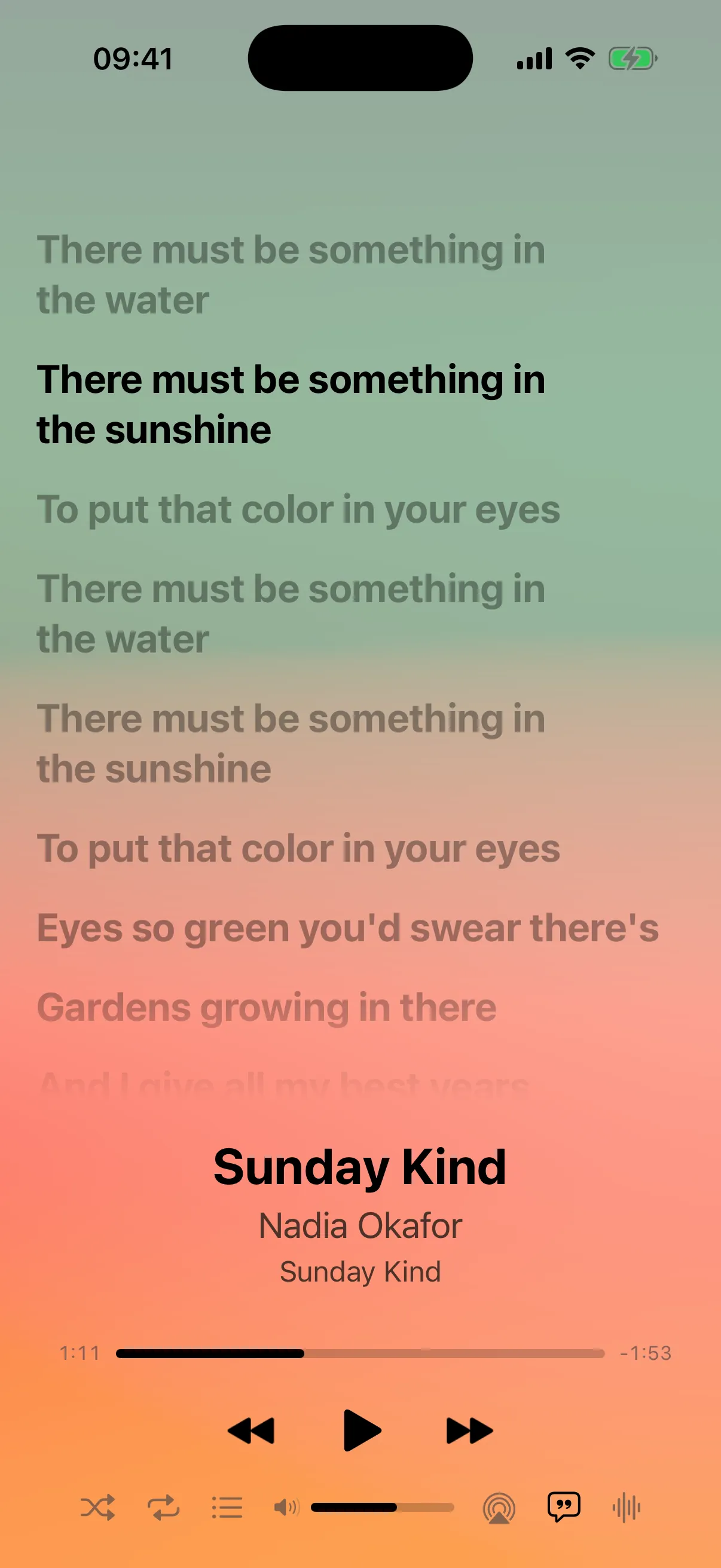
Synced lyrics follow the song line by line, and clicking a line jumps there. Beat looks in your files first: an .lrc file beside the song, then the lyrics saved in it.
From your files first
An .lrc file beside the song, or lyrics added in Music's Get Info. Beat only looks online for songs whose files have no synced lyrics.
Online, if you want
Turn it on and Beat asks LRCLIB for synced lyrics, sending only the song's artist, title, album and length. Answers are saved, so a song isn't looked up every time it plays.
Never written back
Lyrics found online stay in Beat. Your files and your Music library aren't touched.
Quick Open
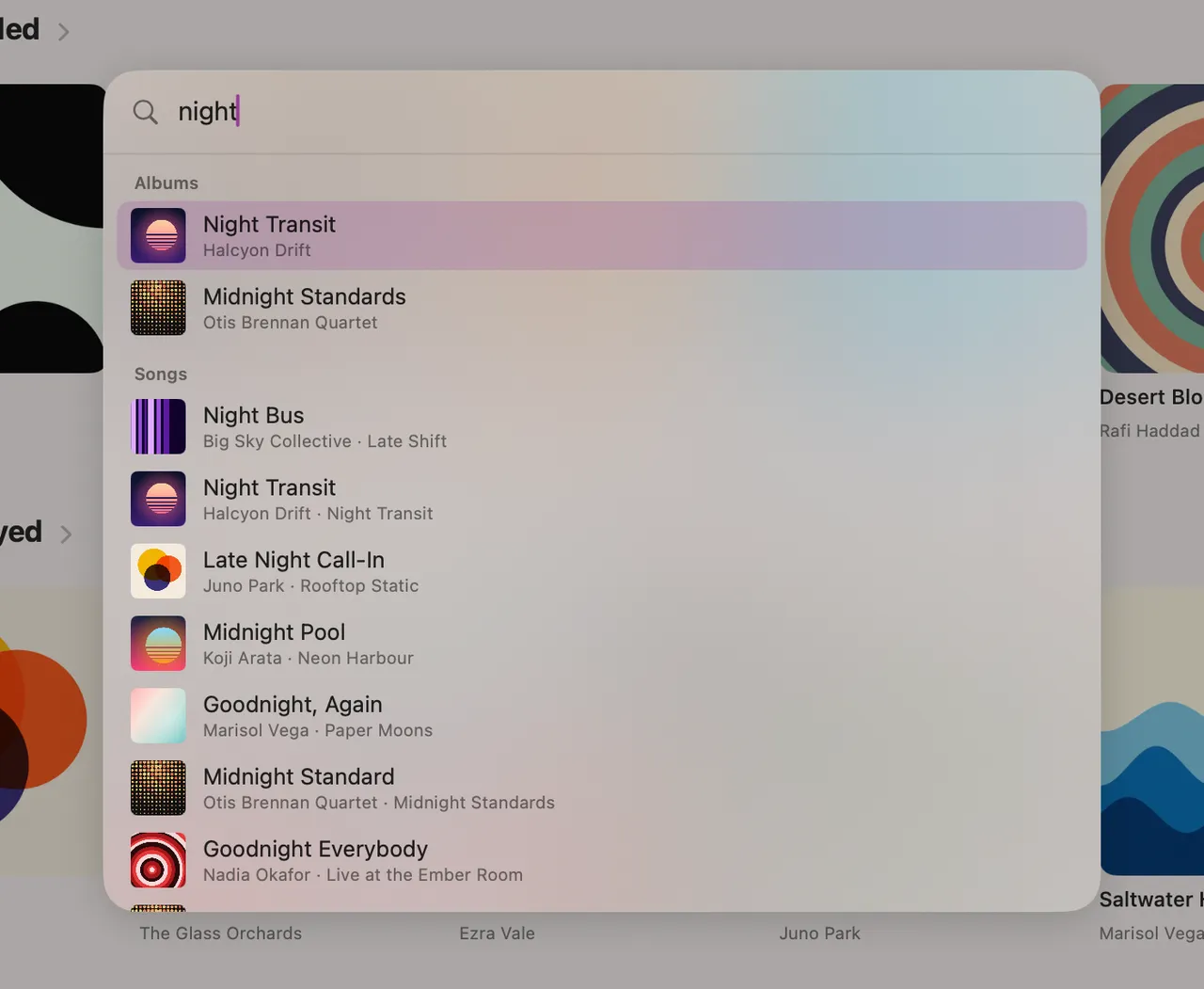
Anything, in a few keystrokes.
Press ⌘K and start typing. Pages, albums, artists, genres and songs come up as you type, best match first, and every word you add narrows them down. Return opens the top one.
Settings choose whether Return opens or plays songs and albums, and ⌥Return does the other. On iPad and iPhone, it's the search button in the sidebar.
Mac and iPhone
The same pages, in your pocket.
On the Mac, Beat reads the Music app's library. On iPhone, it plays the songs synced to it. Your pages, smart filters and Now Playing work the same on both. Also on iPad.
Read-only and private
Your library stays exactly as it is.
Never writes to Music
Beat only reads your library. Its own play and skip counts live in a file of its own.
Offline unless you say so
Lyrics, artist info and Last.fm are off until you turn them on. Off, Beat makes no network requests.
Your files, played locally
Beat plays local, DRM-free files. Apple Music streaming and cloud-only tracks are left out.
And more.
Gapless playback
Live albums and DJ mixes run straight on, with no gap between tracks.
AirPlay
Send music to your speakers, with Now Playing in Control Centre and media keys.
Last.fm
Scrobbles every song you play past halfway, including plays made offline.
Artist info
Turn it on and artist pages get a bio, members, aliases and links from Discogs, and each artist their photo. Matched the wrong one? Pick the right artist.
Library Health
On the Mac, finds missing years, album artists and duplicates, and opens each one to fix in Music.
Liquid Glass
At home on macOS and iOS 26, with frosted materials on macOS 15.
Get Beat.
Free and open source, under the MIT licence.
Mac
macOS 15 or later · Apple silicon and Intel
- Download Beat.dmg, open it and drag Beat to Applications.
- Open Beat. macOS says it can't check it for malicious software, because Beat isn't notarised by Apple. Choose Done.
- Open System Settings › Privacy & Security, scroll down and click Open Anyway next to Beat.
iPhone and iPad
iOS 26 · built from source with Xcode
Beat isn't on the App Store. Build it with Xcode on a Mac and install it on your device with a free Apple ID.
Build steps on GitHubBeat plays local, DRM-free files: the Music app's library on the Mac, songs synced to your iPhone or iPad.